readingnotes201
This project is maintained by Duaa-tarazi
LISTS
Ordered List:
what is the ordered lists:
the syntax to create ordered lists in html:
<ol>
<li>first item</li>
<li>Second Item</li>
</ol>
unodered List:
what is the unordered lists:

the syntax to create unordered lists in html:
<ul>
<li>first item</li>
<li>Second Item</li>
</ul>
Definition Lists:
what is the unordered lists:
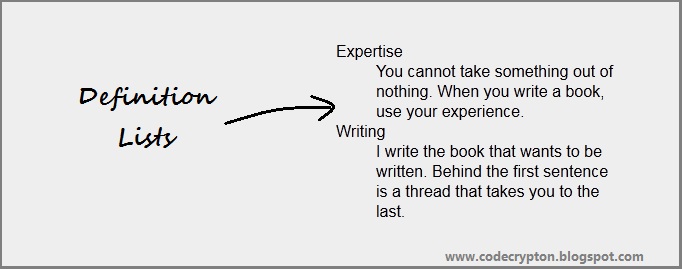
the syntax to create unordered lists in html:
<dl>
<dt>first item</dt>
<dd>the definition</dd>
<dt>Second Item</dt>
<dd>the second definition</dd>
</dl>
BOXES
All HTML elements can be considered as boxes. In CSS, the term “box model” is used when talking about design and layout. The CSS box model is essentially a box that wraps around every HTML element. It consists of: margins, borders, padding, and the actual content.
By default a box is sized just big
enough to hold its contents. To
set your own dimensions for a
box you can use the height and
width properties
HTML BOOK pp (303)
css syntax:
div.box{
height:300px;
width:300px;
}
- PIXSELS you can use pixels to the size of the boxes.
- PERCENTAGES the size of the box relative to the size of the Browser ,or to the box is encased withen another box its the percentage of the size of the contaning box.
- ems the size of the box is based on the size of the text within it .